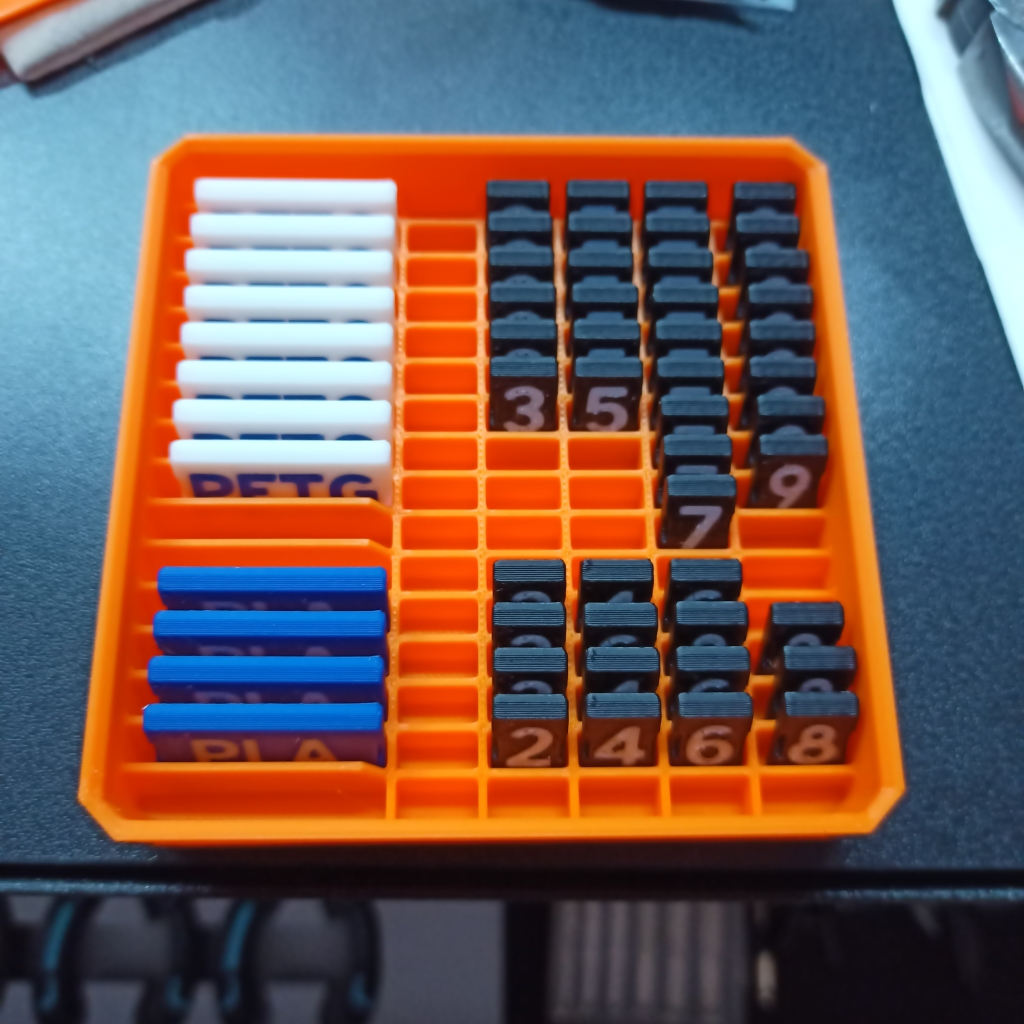
This is my new system for tracking 3D printer filament in my shop.
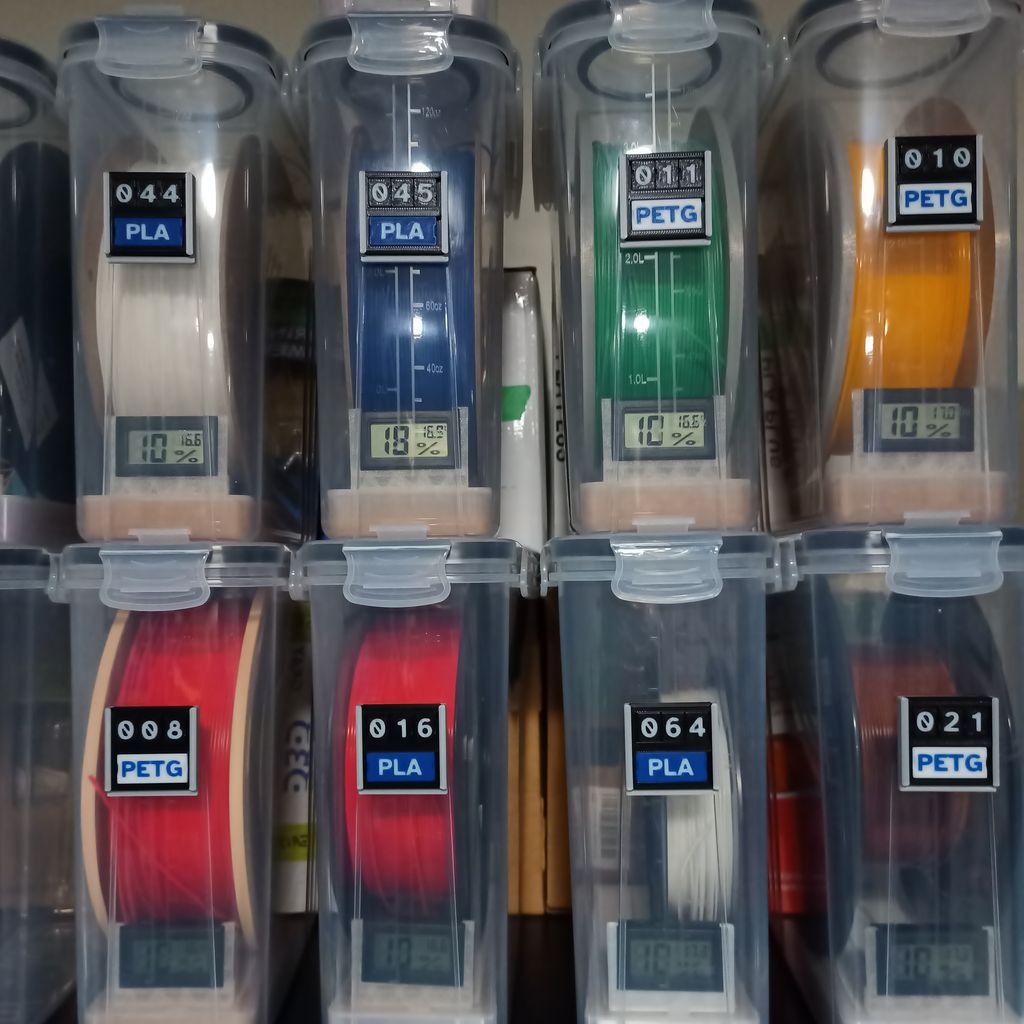
I’ve been using Spoolman to keep track of my filament stock. Spoolman has lots of great features, especially if you’re working in an open environment that supports Octoprint, because Octoprint can automatically update your filament usage with each print. For larger shops, it will also print labels that you can attach to your reels, which lets you scan them as they move around your shop.
My operation isn’t that big, so I just used to label each spool with a bit of painter’s tape that has the Reel ID from Spoolman. That worked decently well when I was storing my open reels in large containers, but at some point big containers become unwieldy, especially since every time a box gets opened, it allows moisture to enter the box.
I recently switched to using airtight cereal boxes to store individual reels, and I’m really happy with how it’s working out. One small drawback was that it makes it harder to see the label on one side of the reel now that I’m not just rummaging through boxes. I thought I’d solve the problem by putting the reel ID on each box, again with a strip of painter’s tape. Unfortunately, that means every box is tied to a reel, and when you’re changing reels it’s a lot easier to just use one box. When that happens, the label on the reel no longer matches the one on the box and that breaks the system. this is really not good.
There’s another problem with the “bit of tape on the reel” approach, which is that it’s hard to read the label when the reel is mounted in a multiple reel system like an AMS. I started peeling the ID off the storage box and sticking it to my AMS, which is slow and also not very attractive.
My solution is a movable tag system. Each tag has room for a three digit Reel ID and the filament type. When I swap a reel into the AMS, I swap the tag on the front. Now I know what type of filament is in the AMS, and if I need more detail, I can easily look it up in Spoolman. It’s clean, neat, and efficient.
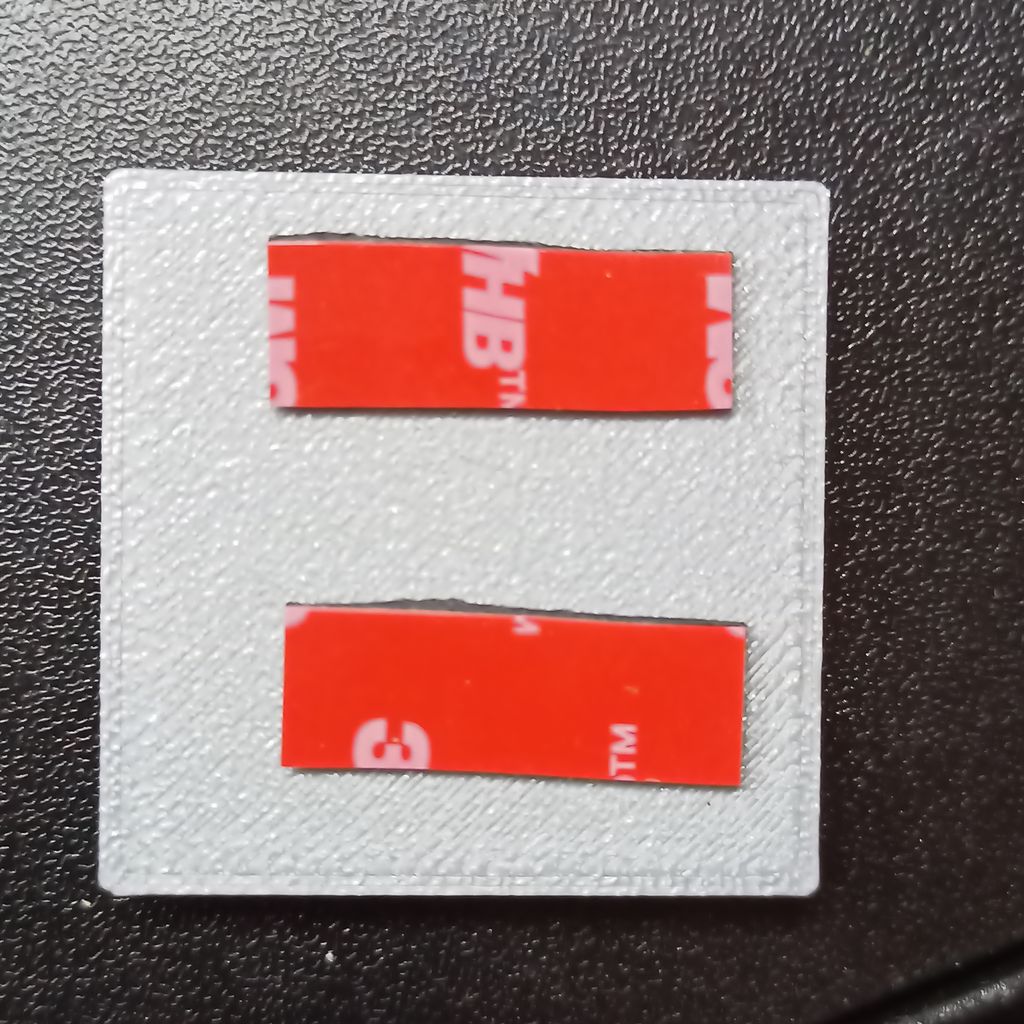 VTB Tape
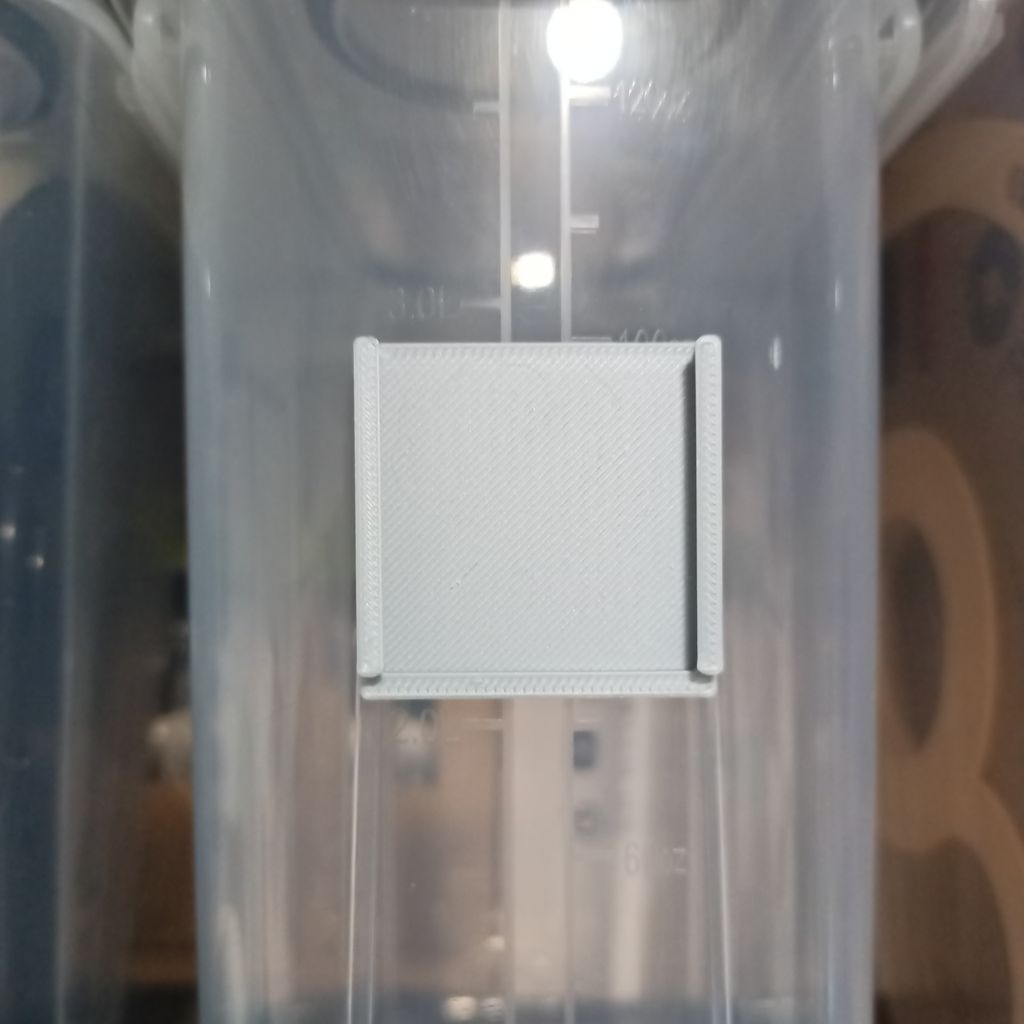 Case on Box
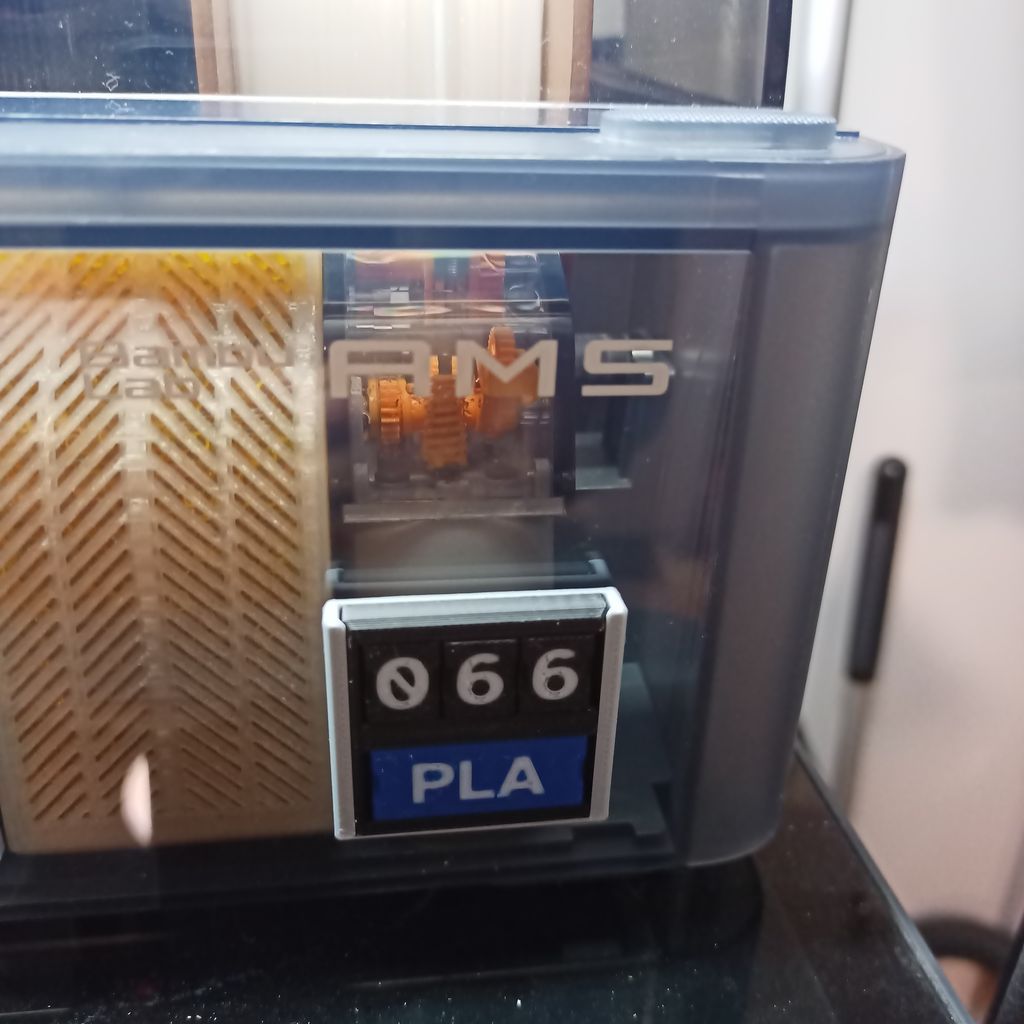 Case on AMS
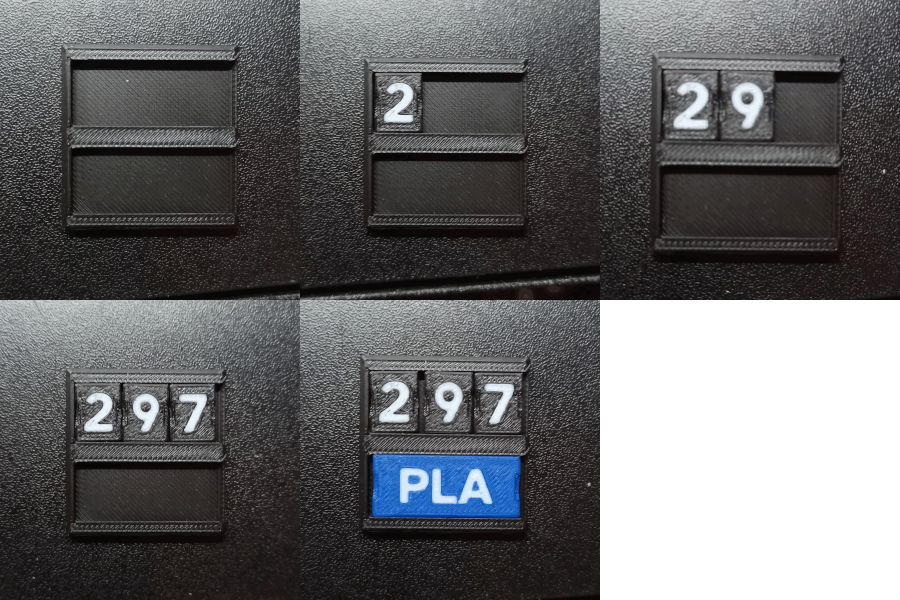
The system starts with an empty tag, which is a carrier for the labels. I’ve printed labels with the numbers 0 through 9 and ones for each type of filament. My tags accept three digits on the top row and the filament type on the bottom. Then I can create a tag for each rule by slotting in the right labels, as shown in the carousel at the top of this post. The labels snap in so they don’t spill out while the tag is being handled.
The second part is the “case,” which I attach to the boxes and the AMS with some 3M VTB double-sided tape. The tag is slots into the case. for ease of swapping tags, they’re just held in by gravity. This should only be a problem if I take up juggling boxes.
Now when I move a reel from a box to the printer, I move the tag with it. It’s neat, looks very professional, and I’m super happy with it. But there’s always some problem, and in this case it was keeping track of all the little labels. So for that I made a FreeGrid component (that one row is empty because all my zeroes and ones are in use).
3MF files are now available on Cults3D with tags and cases with one or two rows and two or three columns (the filament type labels require three columns.) Labels for all main filament types and the digits 0 through 9 are included.